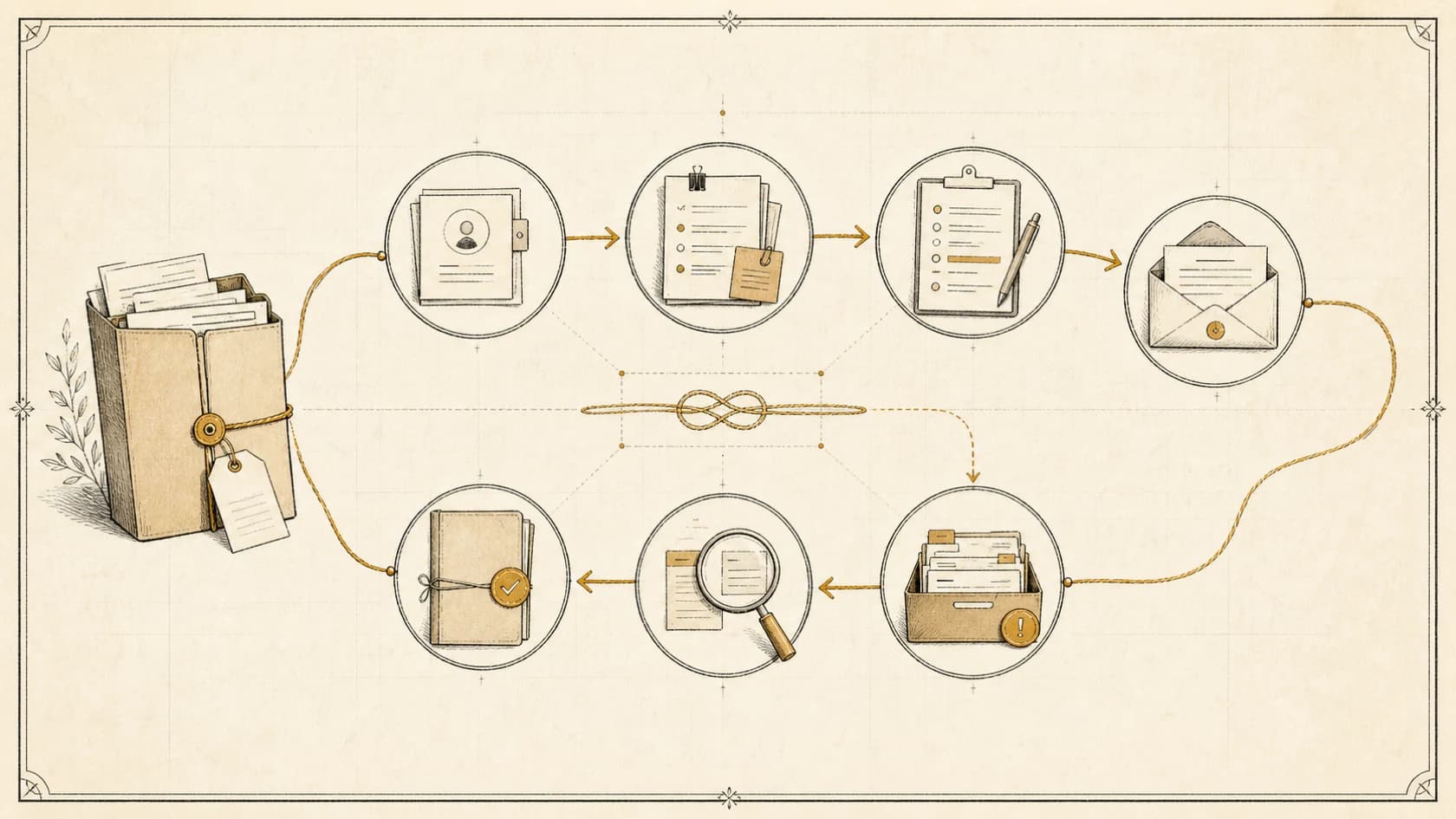

AI email management should not begin with "let the agent run the inbox." Begin with one bounded role: observe, classify, draft, route, or reconcile a specific class of messages.
Email in a professional services firm contains leads, active-client decisions, internal instructions, invoices, contracts, access requests, sensitive attachments, complaints, newsletters, and noise. The same confident model response can be harmless in one thread and create a serious commitment in another.
Corey Ganim's AI employee onboarding framework makes the missing setup visible: role, user context, tone, operating rules, first task, and review loop. Treat an email agent like a new employee with narrower permissions and better logs—not like an autocomplete feature with a send button.
1. Inventory the inbox by business job
Sample representative messages from the inboxes in scope. Remove or protect sensitive material during analysis. Classify each message by relationship, intent, consequence, owner, required evidence, permitted action, and completion state.
Do not begin with labels such as important and unimportant. Use operational classes: new-service inquiry, active-client request, scheduling, billing, document intake, vendor, internal approval, complaint, security concern, newsletter, or uncertain.
The inventory reveals a safe starting point. A narrow internal routing workflow is usually easier to control than autonomous replies across every client thread.
2. Assign authority by message class
Define the maximum permission for each class. Reading, labeling, summarizing, drafting, creating a task, updating a CRM, sending, and deleting are different authorities.
| Message class | Useful AI role | Default boundary |
|---|---|---|
| New-service inquiry | Extract known facts, draft acknowledgment, route owner | Do not promise fit, price, or timing |
| Active-client request | Summarize request and relevant account context | Keep commitments and sensitive answers human-approved |
| Scheduling | Identify participants, constraints, and approved options | Do not expose unrestricted calendars or infer authority |
| Billing | Route, extract reference details, draft internal summary | Do not change amounts, terms, or payment state |
| Complaint or legal concern | Preserve thread and alert named owner | No autonomous response unless narrowly approved |
| Newsletter or notification | Classify and batch for review | Never hide a message that matches an exception rule |
Start with the least authority that creates value. Expand only after representative tests show the workflow remains correct when context is incomplete or conflicting.
3. Ground drafts in approved knowledge
An email agent needs the current service catalog, policies, client record, conversation history, approved templates, ownership rules, and escalation paths relevant to its role.
It should distinguish instructions from facts. Instructions define behavior and permissions. Knowledge supplies current information. The source hierarchy should explain what wins when a CRM field conflicts with an old email or a private note conflicts with an approved policy.
The AI sales assistant guide describes how research and drafting can support the team without allowing AI to create unsupported commercial claims.
When evidence is missing, the draft should ask a question or route the thread. "I do not have enough approved information" is a successful outcome when the alternative is an invented answer.
4. Preserve identity and thread context
Email addresses and display names are not perfect identity proof. Shared mailboxes, forwarding, assistants, aliases, compromised accounts, and changed roles complicate authorization.
Before exposing account-specific information or accepting a consequential instruction, verify identity and authority through the firm's approved process. Do not let an agent change payment details, access, legal contacts, or delivery commitments based only on a plausible email.
Keep the full thread and relevant account state available to the reviewer. A draft based on the last message alone may miss an earlier constraint, attachment, denial, or human takeover.
5. Design the send gate
Separate generating a draft from sending it. A draft should show supporting sources, unresolved questions, detected risk, proposed recipients, attachments, and the action it expects after sending.
Require review for commitments, prices, scope, legal or financial language, complaints, sensitive data, new recipients, external attachments, uncertain identity, low-confidence classification, and any exception to an approved template.
If limited autonomous sending is eventually allowed, bind it to exact message classes, templates, facts, recipients, hours, rate limits, opt-out rules, and stop conditions. Recheck current thread state immediately before sending so a late human reply prevents a duplicate or contradictory message.
6. Connect email to owned work
An inbox is not a task system. If a message requires work, create or update the authoritative record with a stable conversation identifier, summary, owner, due rule, source link, next action, and completion evidence.
Prevent duplicates when a sender replies, forwards, or submits the same request through another channel. Preserve ambiguity rather than merging uncertain clients or engagements automatically.
The lead follow-up system guide explains how to keep source, state, conversation, ownership, and next action together after the first response.
7. Build human takeover and exception queues
Create visible queues for uncertain classification, missing knowledge, failed retrieval, sensitive content, conflicting instructions, tool failure, delivery failure, approval timeout, and unresolved ownership.
The reviewer should receive enough context to act without reconstructing the case: original thread, relevant account facts, sources consulted, proposed action, risk flags, and prior automation attempts.
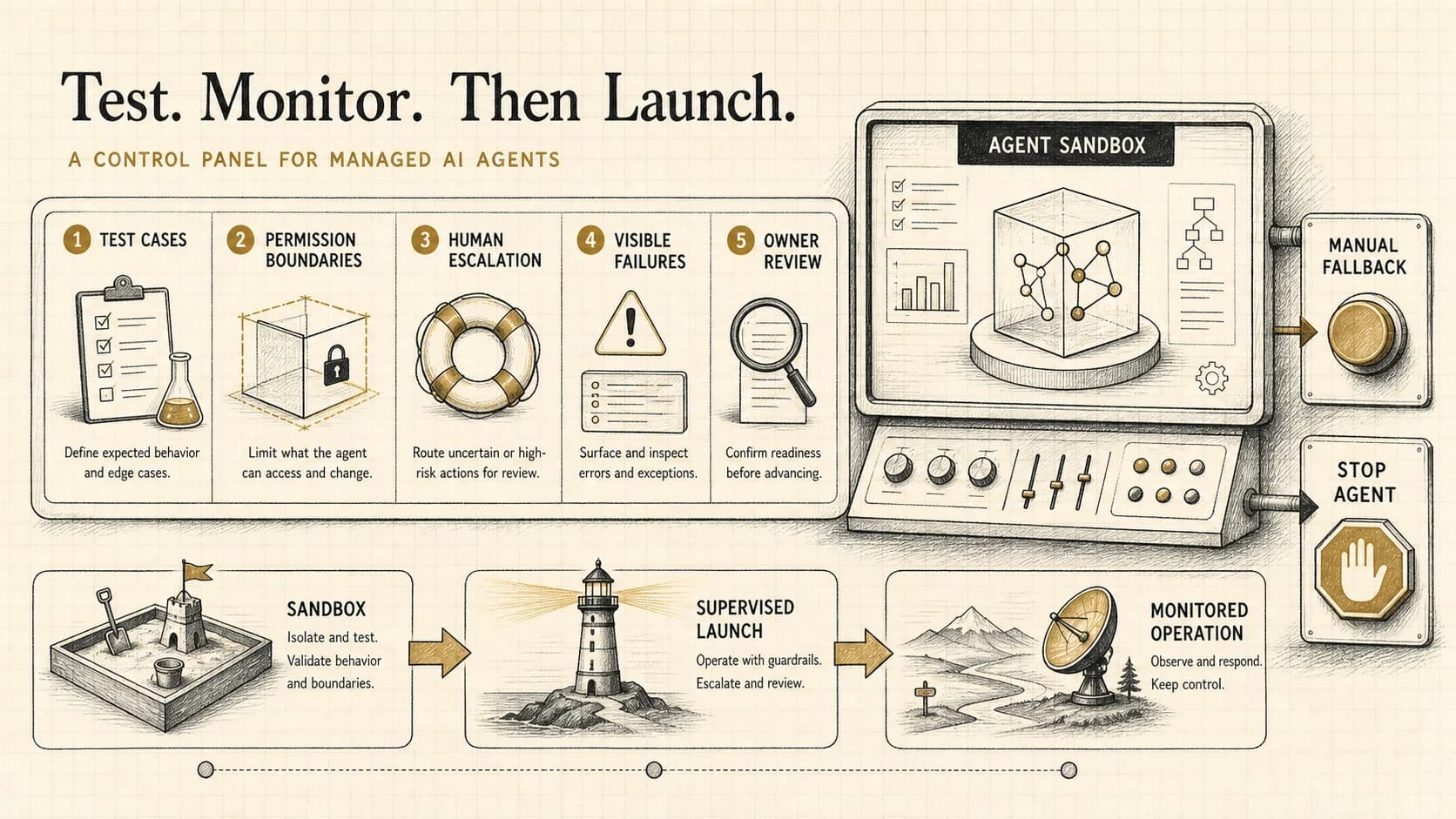
Give authorized operators a pause control by inbox, client, workflow, or agent version. A system that cannot be contained during an incident is not ready for client communication.
8. Test and monitor the real workflow
Test normal messages plus ambiguous intent, several requests in one thread, forwarded history, changed subject line, missing attachment, malicious instruction inside an attachment, wrong client match, new recipient, complaint, payment-change request, human reply during a run, provider outage, expired credential, duplicate event, and failed send.
Verify classification, sources, permissions, recipients, attachments, current-state check, task state, audit record, and handoff quality. The managed-agent testing guide shows how acceptance cases become regression tests and production monitors.
Track volume by class, draft acceptance and edit patterns, false routing, time to owned action, exception causes, failed writes, duplicate suppression, unauthorized-action attempts, human takeovers, and unresolved age. Review actual conversations. A high acceptance rate can still hide a rare serious failure.
9. AI email management checklist
The safest first win is usually not an autonomous inbox. It is a well-observed role that removes sorting and drafting work while making important messages harder to lose.
If email is where leads, client decisions, and internal ownership disappear, apply for an assessment to identify the primary bottleneck and the safest practical next move.