
Professional services automation software is often sold as one place to manage projects, people, time, expenses, and billing. That definition is useful, but incomplete.
The real job is to keep a client engagement coherent from the first qualified opportunity through delivery and collection. Software can connect that lifecycle. It cannot decide what your firm sells, who owns a handoff, which commitments are safe, or what "done" means for the client.
Corey Ganim's plain-language explanation of managed agents makes the same category correction from another angle: the operating system matters more than the demo. For a professional services firm, the question is not "How much can this automate?" It is "Which business states can this system keep accurate without hiding exceptions?"
1. Start with the client lifecycle, not a feature list
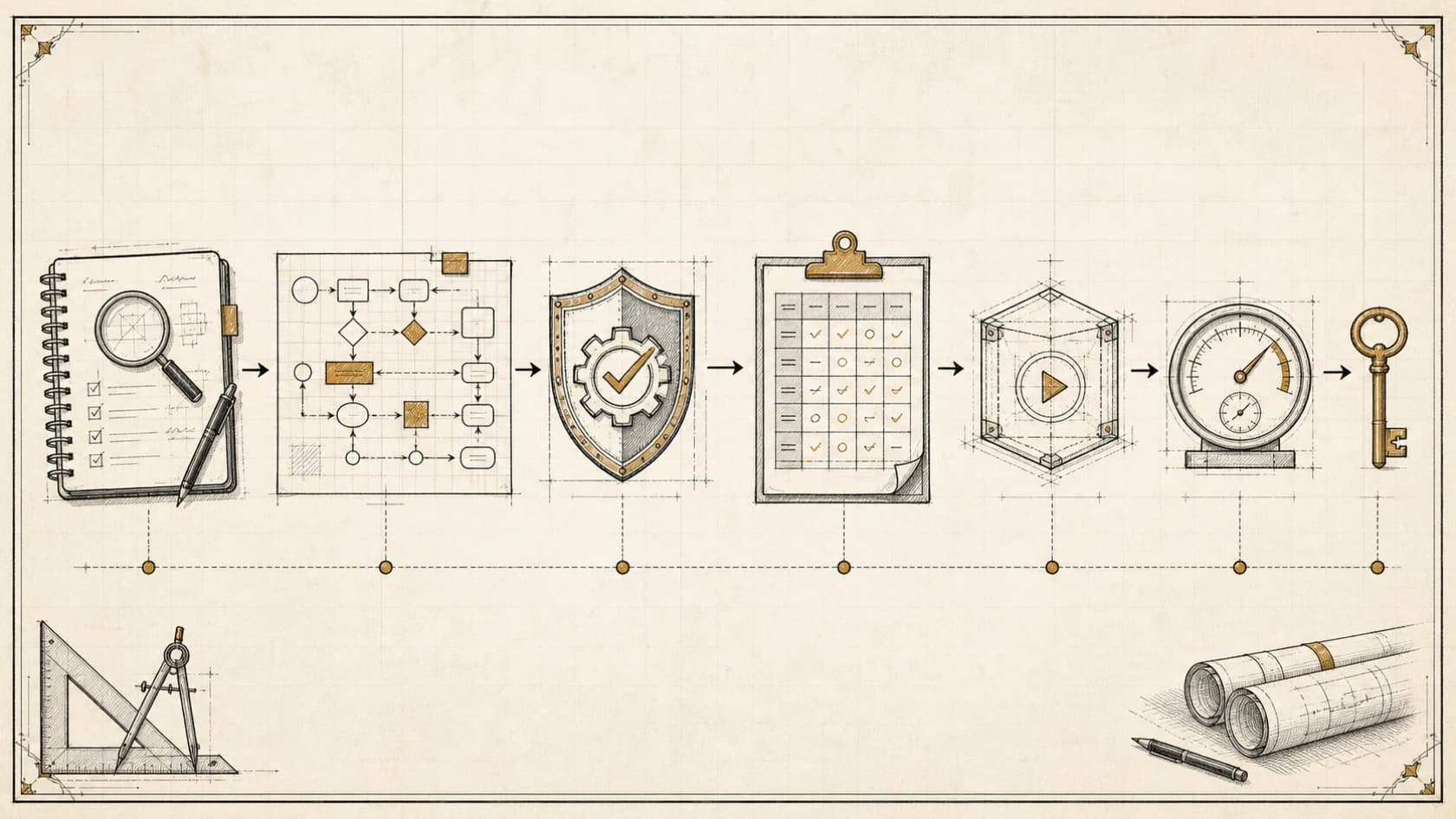
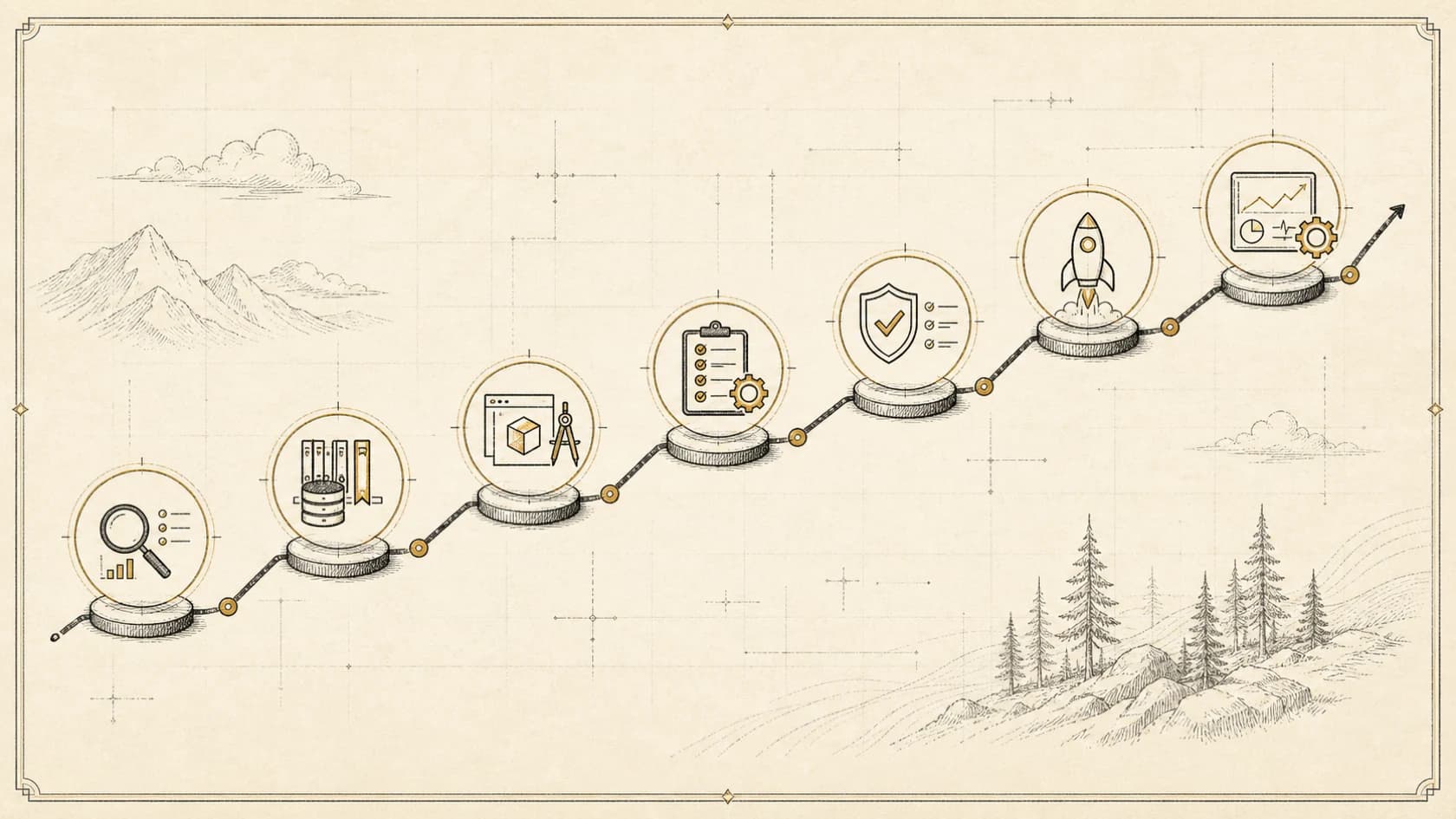
Map the work before comparing products. A typical lifecycle includes qualification, scoping, proposal, contracting, onboarding, scheduling, delivery, change control, billing, renewal, and offboarding.
At every stage, write down the record that proves the engagement is ready to move forward. A signed agreement may permit onboarding. An approved scope and assigned delivery owner may permit scheduling. Accepted work and approved expenses may permit invoicing.
This produces a state model instead of a collection of reminders. It also reveals where automation has leverage: repeated transitions with clear inputs, explicit rules, and an accountable owner.
The business process automation services guide explains how to turn those transitions into an implementation brief before choosing a platform.
2. Know what PSA software should own
Professional services automation usually earns its place by connecting operational records that otherwise drift apart.
| Operating area | Useful system responsibility | Human responsibility |
|---|---|---|
| Opportunity to project | Carry approved client, scope, value, and owner into delivery | Approve fit, commitments, and exceptions |
| Resource planning | Show demand, availability, skills, and conflicts | Decide priorities and staffing tradeoffs |
| Time and expense | Capture work against the correct engagement | Review accuracy, policy exceptions, and write-offs |
| Project delivery | Track milestones, dependencies, risks, and changes | Lead the client relationship and make judgment calls |
| Billing | Prepare invoices from approved commercial rules | Approve disputed, unusual, or sensitive charges |
| Reporting | Reconcile pipeline, delivery, margin, and cash state | Interpret causes and decide corrective action |
If the product excels at one row but leaves the rest in disconnected spreadsheets and inboxes, treat it as a point solution rather than a professional-services operating system.
3. Separate PSA automation from AI work
Deterministic automation is best when the rule is stable: create a project after a signed agreement, assign a template, calculate a due date, or alert an owner when a required field is missing.
AI is useful when the input is messy and the output can be bounded: summarize a discovery call, extract proposed deliverables, classify an inbound request, draft a status update from approved project facts, or identify conflicts between scope and recent messages.
Do not ask AI to silently become the commercial authority. It should not invent scope, approve a discount, promise a delivery date, alter contractual terms, or close an exception merely because the language sounds confident.
A sound design uses deterministic policy for high-consequence transitions and AI for interpretation, drafting, and exception detection. The AI implementation services guide describes how those layers move from assessment into managed operation.
4. Inspect the system of record
Ask which application owns the authoritative version of each fact: client identity, service package, scope, price, assigned team, delivery status, time, expense, invoice, payment, and renewal date.
Then test what happens when two systems disagree. A CRM may show one owner while the delivery platform shows another. A proposal may contain a newer scope than the project template. A calendar may display capacity that the resource plan has already assigned.
The software should expose these conflicts. It should not choose whichever record arrived last and call the workflow complete. Require stable identifiers, source attribution, timestamps, reconciliation queues, and a visible history of changes.
5. Evaluate the handoffs that clients feel
Clients rarely care which internal application created a task. They notice whether the kickoff repeats questions they already answered, whether the team understands the promised outcome, whether status updates are accurate, and whether invoices match the agreement.
Test the handoff from sales to delivery with a representative engagement. Can a delivery lead see the original need, agreed scope, constraints, stakeholders, success criteria, risks, and commitments without searching private inboxes? Can the client correct missing information? Is every unresolved item assigned?
These details distinguish real automation from administrative motion. A workflow that creates ten tasks but loses the commercial context has automated activity, not continuity.
6. Require permissions and human control
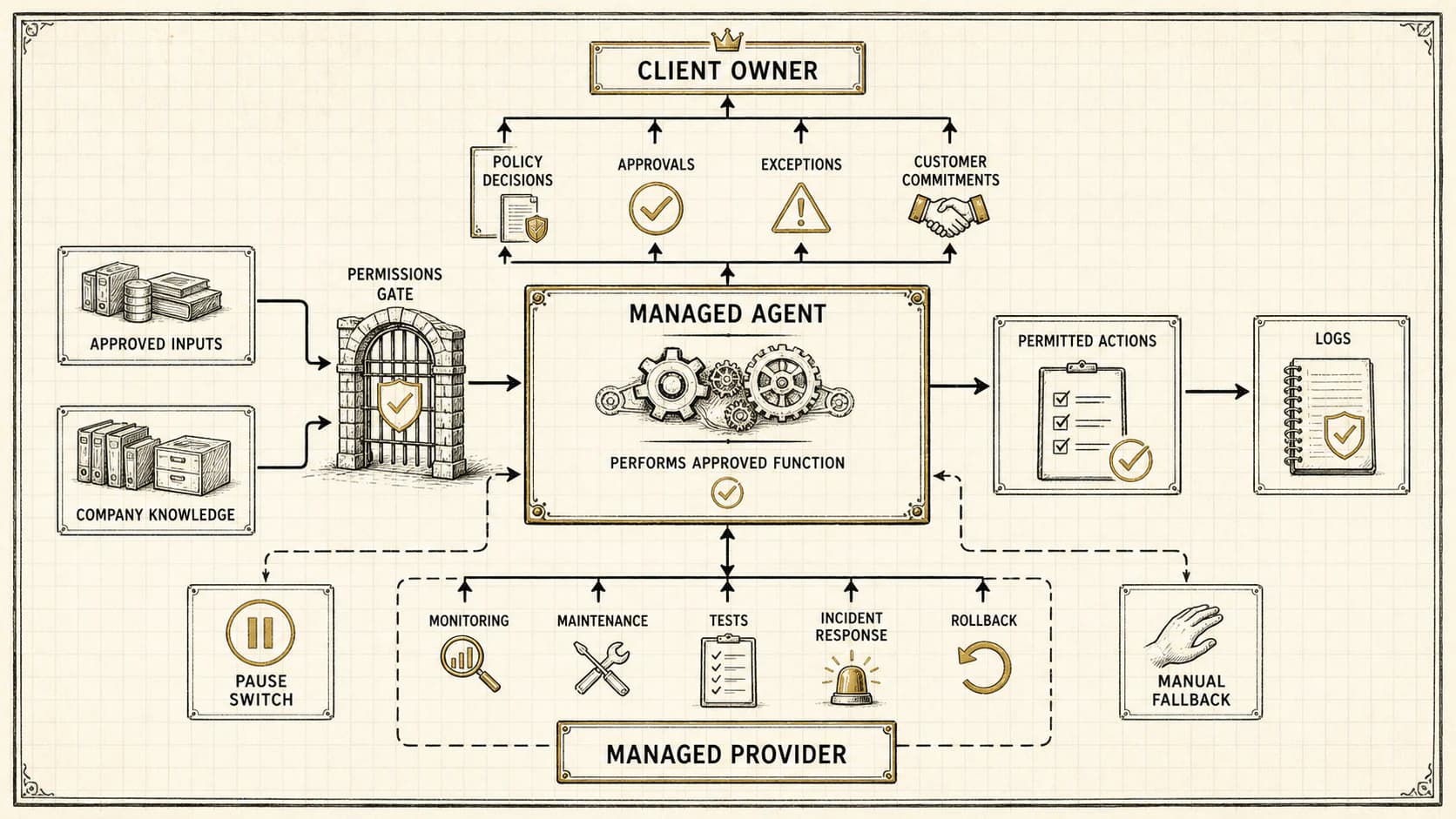
List each action the system or agent may take: read, draft, create, assign, update, send, approve, invoice, refund, delete, or administer. Grant only the authority required for the specific workflow.
Begin with observation and drafting where possible. Expand to writes after the workflow passes realistic acceptance tests. Keep consequential commitments, financial changes, sensitive communications, and destructive actions behind explicit approval.
Operators also need a pause control, an exception queue, and an audit trail that explains which source, rule, user, and system version produced an action. The managed-agent ownership guide provides the questions to ask about data, credentials, access, portability, and ongoing responsibility.
7. Compare implementation burden, not only license features
The purchase includes migration, configuration, process decisions, integrations, permissions, training, reporting, support, and change management. Ask who performs each job and what your team must maintain afterward.
Request a walkthrough of one complete lifecycle using data shaped like yours. Include a scope change, a staffing conflict, a missing time entry, an invoice exception, and a manual edit during an automation run. A polished happy path reveals little about operational fit.
Also inspect exit conditions. Your firm should retain usable client, project, financial, knowledge, and audit records in a documented format. Avoid an operating model that becomes impossible to understand without the original implementer.
8. Professional services automation readiness checklist
Professional services automation software is valuable when it turns a fragmented engagement lifecycle into a controlled operating system. If the process is still implicit, buying software first usually moves the ambiguity into a new interface.
If your firm needs help deciding which lifecycle, knowledge, and repeatable work deserves attention before a platform change, apply for an assessment. Return My Time will identify the opportunity worth doing first and recommend a practical next action.