
Customer onboarding automation should make a new client feel understood, prepared, and confidently handed to the right team. It should not turn a signed agreement into a burst of generic emails and disconnected tasks.
Professional services onboarding is a transfer of trust. Sales has learned why the client bought, what was promised, who matters, what could block delivery, and what success looks like. Delivery needs that context in a usable form. The client needs a clear path through decisions, documents, access, scheduling, and first value.
Corey Ganim's AI employee onboarding framework makes identity, context, tone, rules, and first tasks explicit. The same principle applies here: before automation acts on a new client, it needs a role, approved knowledge, boundaries, and a completion test.
1. Define the moment onboarding actually begins
"Deal won" is often too vague. Choose a trigger backed by evidence: signed agreement, approved scope, required payment state, completed conflict check, or another condition your firm controls.
Document what must be true before the workflow starts. Include the authoritative client record, commercial terms, delivery owner, service package, stakeholders, and known constraints. If something is missing, the system should create an exception for the responsible person instead of manufacturing a complete-looking project.
The trigger should be idempotent. A contract event replay, manual status change, or integration retry must not create duplicate projects, folders, messages, or kickoff invitations.
2. Preserve the promise from sales
Create a structured sales-to-delivery brief. It should be concise enough to use and complete enough to prevent the client from repeating the discovery process.
| Handoff field | Why delivery needs it | Unsafe shortcut |
|---|---|---|
| Business outcome | Keeps work tied to the reason for buying | Copying only the proposal title |
| Scope and exclusions | Defines the delivery boundary | Assuming the service template is identical |
| Stakeholders and roles | Clarifies approvals and communication | Treating the signer as the daily contact |
| Constraints and risks | Prevents avoidable surprises | Burying concerns in call notes |
| Commitments | Preserves dates, formats, and expectations | Trusting memory or private email |
| Success evidence | Makes acceptance testable | Using "client is happy" as the measure |
AI can extract a draft from approved calls, notes, and documents. A responsible owner should review it before delivery treats it as fact. Conflicts between the call, proposal, and contract need resolution, not summarization.
3. Collect only the information the next step needs
Long onboarding forms often ask everything at once because the workflow does not know when information becomes necessary. Replace that with staged intake.
Ask what is required to prepare the kickoff, what is required to begin delivery, and what can wait until a later milestone. Explain why access or data is needed, who can see it, and how it should be provided. Never request credentials in a general form or email thread.
Validate files and fields at intake. Confirm format, ownership, date range, completeness, and sensitivity. A successful upload is not the same as usable source material.
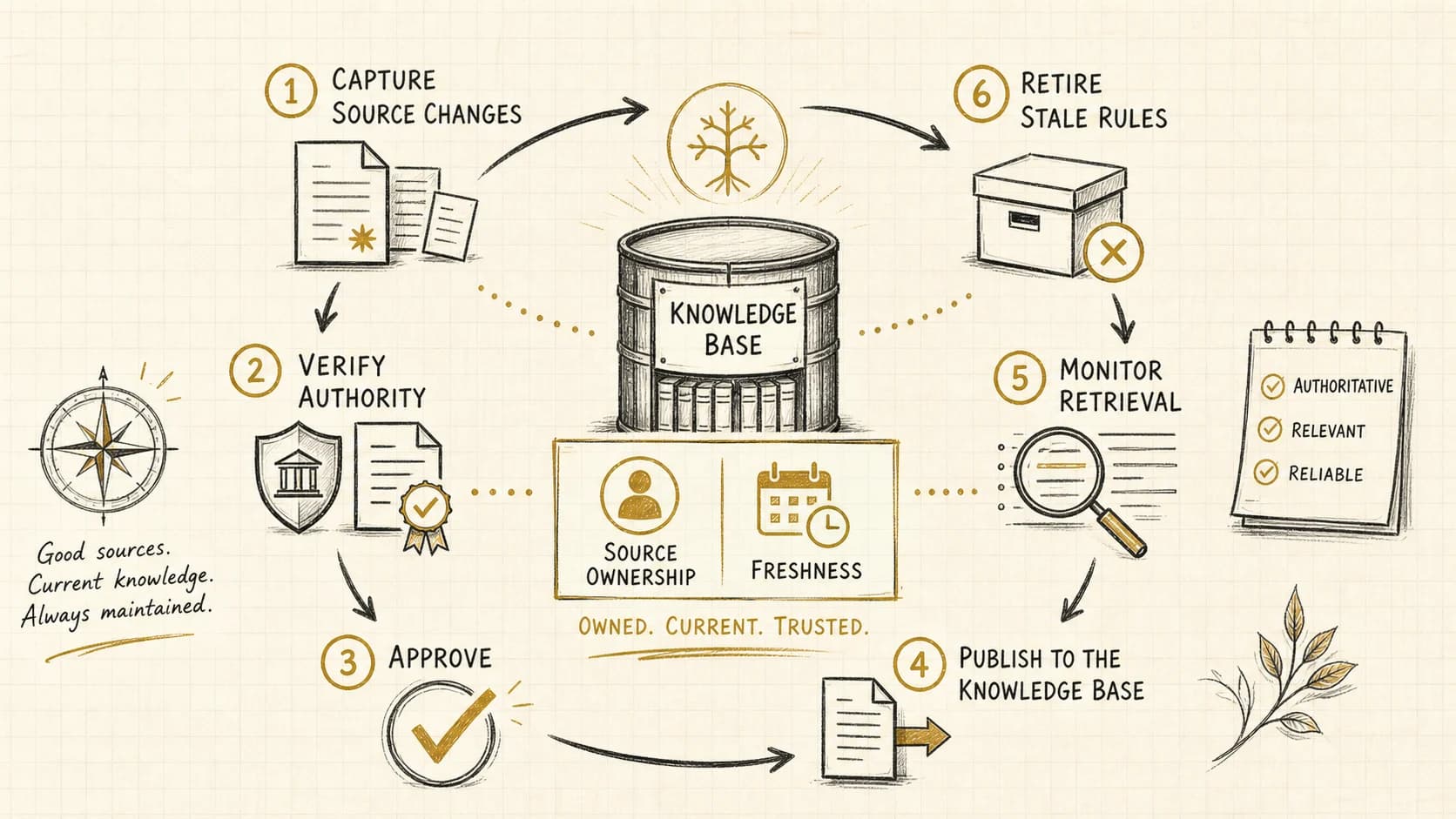
If your delivery depends on business knowledge, the AI knowledge-base maintenance guide explains the publishing, ownership, and review loop that keeps those inputs reliable after kickoff.
4. Build the onboarding state machine
Use named states rather than a flat checklist. An example sequence is: accepted, awaiting client inputs, internal preparation, kickoff ready, kickoff complete, delivery active, and onboarding exception.
Each state needs entry evidence, permitted actions, an owner, a service expectation, and an exit condition. The workflow can then answer a practical question: "What is preventing this client from moving forward?"
Avoid progress based only on elapsed time. A three-day delay may be normal when the client owns the next action. A one-hour delay may be serious when an internal owner has not accepted a high-priority handoff. Measure responsibility and blockage, not just age.
5. Design communication around decisions
Every automated message should have a job: confirm receipt, request a specific input, explain the next decision, prepare someone for a meeting, or report a meaningful change.
Use only facts supported by current records. Do not claim that a team member reviewed a file when the system only received it. Do not promise a kickoff date until the correct owner and prerequisites are confirmed. Personalization should fall back to neutral language when identity or context is uncertain.
Give the client one visible place to understand what is complete, what is next, who owns it, and how to ask for help. A sequence of unrelated messages is not an onboarding experience.
6. Assign internal work with acceptance evidence
Tasks should name the outcome, source material, owner, due rule, and completion evidence. "Set up account" is too vague. "Create the client workspace from the approved service template, attach the reviewed handoff brief, assign the delivery owner, and verify access with the test account" is testable.
Require explicit acceptance for critical handoffs. Sending a notification does not prove the work has an owner. If nobody accepts, the item should escalate to a backup queue before the client experiences silence.
The business process automation services guide offers a broader framework for defining these inputs, decisions, actions, exceptions, and outcomes.
7. Test the uncomfortable paths
Run representative cases before launch: a standard client, a custom scope, two stakeholders with different authority, missing data, invalid files, late payment, a scope conflict, a duplicate contract event, a client who needs accessibility support, an unavailable delivery owner, and a cancellation during onboarding.
Verify that the workflow stops when evidence is missing, preserves the original commercial context, prevents duplicates, routes sensitive information correctly, and gives a human enough context to take over without restarting the process.
Also test manual changes during execution. A coordinator may fix a field while an automation is still running. The system should check current state before writing and reconcile conflicts rather than overwriting the newer decision.
8. Measure readiness and time to first value
Useful measures include time from accepted engagement to owned handoff, time awaiting client versus internal action, completion rate of required inputs, kickoff readiness, exception volume by cause, repeated questions, duplicate suppression, failed integrations, and time to the first accepted delivery milestone.
Review client conversations, not only dashboard counts. Faster task creation can coexist with a confusing experience. The goal is a reliable transfer from promise to delivery.
9. Customer onboarding automation checklist
The best customer onboarding automation makes the client promise easier to keep. If your onboarding currently depends on memory, inbox archaeology, and heroic project managers, apply for an assessment to identify the repeated bottleneck and its most practical next action.